Cracked phone screens are a common and frustrating occurrence, often leading to costly repairs. However, with the right approach and a bit of determination, you can often address this issue yourself.
This step-by-step guide will help you restore your device and potentially save on repair costs.
Assess the Damage: Is DIY Repair Feasible?
Before attempting phone repair, carefully evaluate the extent of your cracked screen. Understanding the damage helps you choose the best repair option.
Understand the Types of Screen Damage
Consider the various forms of screen damage your device might have sustained. Does the crack appear as a hairline fracture that only affects the top glass layer, or has the impact shattered the entire display assembly, potentially damaging the underlying liquid crystal display (LCD) or organic light-emitting diode (OLED) panel?
A simple crack in the glass might only require a digitiser replacement, while extensive damage to the display itself necessitates a full screen assembly replacement. Does the screen exhibit dead pixels, discolouration, or a complete lack of display? These symptoms typically indicate damage beyond just the outer glass.
Evaluate Your Skill Level and Comfort
Honestly appraise your personal skill level and comfort with intricate electronic repairs. Have you successfully undertaken similar delicate tasks in the past? Do you possess steady hands and meticulous attention to detail? Some repairs, while appearing straightforward, involve working with extremely small components and fragile connectors. Are you comfortable with the potential risks involved, such as inadvertently causing further damage or voiding your device’s warranty? If you feel uncertain or hesitant, seeking professional assistance may be a more prudent decision.
Gather Your Tools and Materials
Having the correct tools and materials readily available before you begin is paramount to a successful repair. Do not commence the repair without ensuring you have everything you need.
Essential Repair Kit Components
Invest in a comprehensive phone screen repair kit. Typically, this includes a precision screwdriver set with various small heads, such as Phillips, Pentalobe, and Tri-wing, suitable for your specific phone model. You will also require thin prying tools, often made of plastic or nylon, to safely separate components without scratching them. A suction cup is indispensable for lifting the screen assembly.
Additionally, acquire a new screen replacement assembly, ensuring it is specifically designed for your exact phone model and colour. Verify that the replacement screen includes both the outer glass digitiser and the inner display panel, or just the digitiser, depending on your initial damage assessment.
Protective Gear and Workspace Preparation
Prioritise safety and organisation. Prepare a clean, well-lit, and static-free workspace. Consider using an anti-static mat to protect sensitive electronic components from electrostatic discharge. Gather a soft cloth to protect your phone’s surfaces. Wear anti-static gloves to prevent oils from your skin from transferring to internal components and to further mitigate static electricity risks. Ensure you have small containers or a magnetic mat to organise and keep track of the tiny screws you will remove; misplacing even one can complicate reassembly.
Prepare Your Phone for Repair
Thorough preparation of your phone before beginning the repair process is critical. This helps safeguard your data and streamlines the repair.
Back Up Your Data
Before any physical intervention, perform a complete backup of all data on your phone. Connect your device to a computer and transfer photos, videos, contacts, and any other important files to cloud storage or an external drive. This step is non-negotiable; in the unlikely event of unforeseen complications during the repair, your data will remain secure and accessible.
Power Off Your Device
Completely power off your phone. Press and hold the power button, then slide or tap the option to shut down the device. Never attempt a repair on a powered-on device, as this poses a significant risk of short-circuiting components and causing irreversible damage to your phone or injury to yourself.
Remove SIM Card and External Components
Carefully remove the SIM card tray using the ejector tool. Detach any external components, such as memory cards, cases, or screen protectors. These items can impede the repair process and should be set aside safely.
The Screen Replacement Process: Step-by-Step
Proceed with caution and precision through each step of the screen replacement process. Follow these instructions meticulously to ensure a successful outcome.
Step 1: Apply Heat to Loosen Adhesive
Gently apply heat to the edges of your phone’s screen using a heat gun or a hairdryer on a low setting. Move the heat source consistently around the perimeter for approximately 1-2 minutes. This warms and softens the adhesive that secures the screen assembly, making it easier to separate. Avoid concentrating heat in one spot for too long, as this can damage internal components.
Step 2: Carefully Pry Open the Phone
Attach the suction cup to a corner of the cracked screen that is not heavily cracked, if possible. Gently pull up on the suction cup to create a small gap between the screen assembly and the phone frame. Insert a thin plastic prying tool into this gap. Carefully slide the prying tool along the edges of the phone, gradually separating the screen assembly from the frame. Work slowly and patiently, applying consistent, gentle pressure. Avoid using excessive force, which can bend the frame or damage internal cables.
Step 3: Disconnect Internal Cables
Once the screen is partially lifted, you will notice several ribbon cables connecting it to the phone’s logic board. Use a plastic spudger or your prying tool to carefully disconnect these cables. Typically, these cables are secured by small press-fit connectors or flip-up latches. Exercise extreme caution; these connectors are delicate and easily damaged. Refer to a device-specific repair guide or video if you are unsure about the exact location or type of connectors for your model.
Step 4: Remove the Damaged Screen Assembly
After all relevant cables are disconnected, carefully lift and completely remove the damaged screen assembly from the phone’s frame. Set it aside.
Step 5: Clean the Frame and Remove Old Adhesive
Thoroughly clean the phone’s frame. Use a plastic scraper or isopropyl alcohol on a soft cloth to remove all remnants of the old adhesive from the frame. Ensure the surface is completely smooth and free of debris, as any irregularities can prevent the new screen from seating properly. A clean frame is essential for a secure bond with the new adhesive.
Step 6: Connect the New Screen Assembly
Carefully align the new screen assembly with the phone’s frame. Reconnect all internal cables that you previously disconnected, ensuring they are securely seated in their respective connectors. Do not force any connections. Double-check that all cables are properly attached before proceeding.
Step 7: Test the New Screen
Before permanently securing the new screen, perform a preliminary test. Briefly power on your phone. Check if the display functions correctly, if the touch response is accurate across the entire screen, and if there are any dead pixels or discolouration. Test all screen-related functions, such as brightness adjustment and proximity sensors. If any issues arise, power off the phone, disconnect the screen, and re-check all connections.
Step 8: Secure the New Screen with Adhesive
If the test is successful, power off your phone again. Apply new adhesive around the perimeter of the phone frame where the screen will sit. You can use pre-cut adhesive strips designed for your phone model or a thin bead of B7000 glue. Carefully align the new screen assembly with the frame and gently press it into place, ensuring an even and secure fit.
Step 9: Reassemble Your Phone
Once the new screen is securely adhered, reattach any internal components you may have removed, such as internal shields or brackets. Carefully close the phone’s back cover, ensuring all clips and screws (if applicable) are fastened correctly.
Post-Repair Checks and Troubleshooting
After the repair is complete, undertake a series of checks to confirm full functionality and address any lingering issues.
Verify Functionality
Perform a comprehensive check of all phone functions. Power on the device and verify screen responsiveness, display quality, speaker and microphone operation, camera functionality, and button responsiveness. Make a test call to confirm audio quality. Ensure Wi-Fi, Bluetooth, and cellular connectivity are working as expected.
Address Common Issues
Should you encounter issues, systematically troubleshoot them. If the screen is unresponsive or partially functions, power off the device and re-check all internal cable connections. A loose or improperly seated cable is a common culprit. If there are display anomalies, such as lines or discolouration, the new screen itself might be faulty, or a cable could be damaged. In such cases, contact the supplier of your replacement screen for assistance or a replacement.
Maintain Your Repaired Screen
Protecting your newly repaired screen is essential for its longevity. Implement preventative measures to avoid future damage.
Apply a Screen Protector
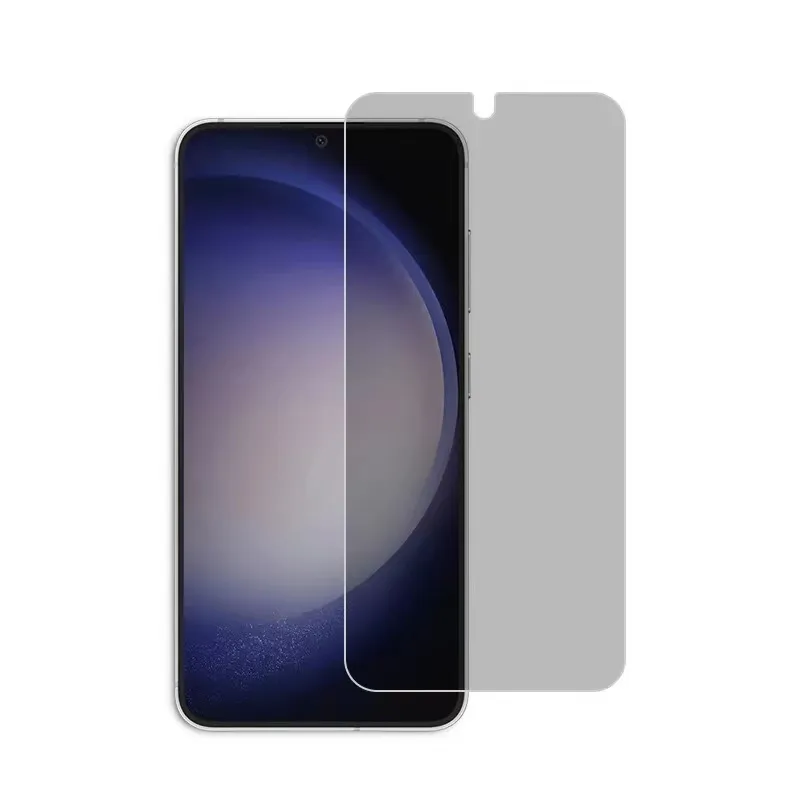
Immediately apply a high-quality tempered glass screen protector to your new display. This provides an additional layer of defence against scratches and minor impacts, significantly extending the life of your repair.
Use a Protective Case
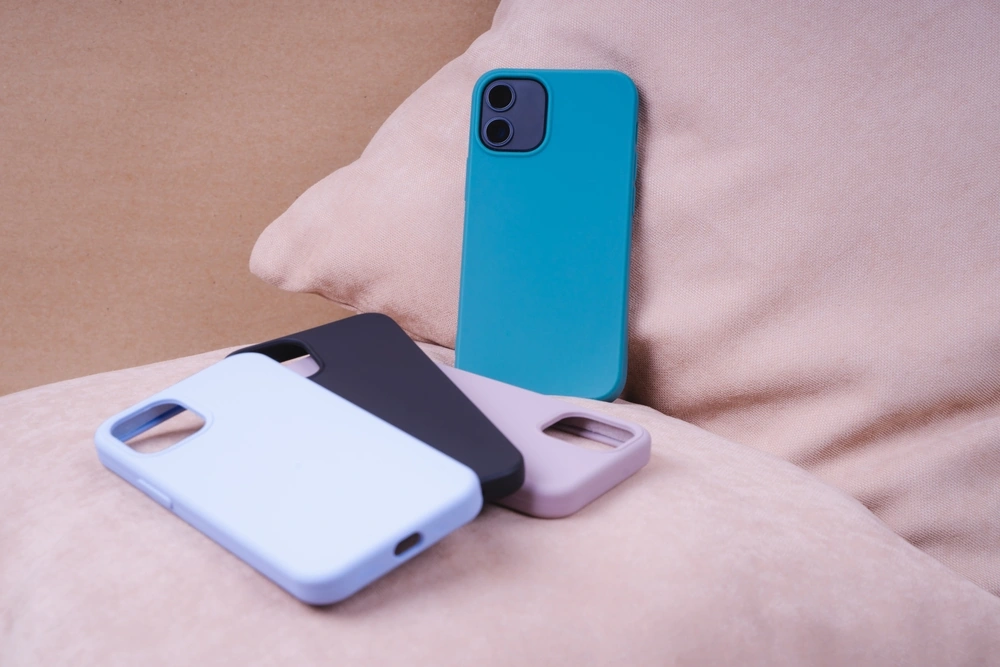
Invest in a robust phone case that offers comprehensive protection, particularly around the edges and corners of the device. A good case absorbs shock from drops and prevents direct impact on the screen.
Professional Repair or Replacement
If you find yourself overwhelmed or the repair proves more complex than anticipated, do not hesitate to seek professional assistance. Authorised service centres or reputable third-party repair shops possess the expertise and specialised tools to handle intricate repairs. Consider the long-term cost-effectiveness: a professional repair might be more expensive initially, but could prevent further damage and ensure optimal device performance. If the phone is older or the damage is extensive, sometimes a full replacement might be the most practical and economical choice. Consider trade-in options if your repair cost approaches the value of a new phone.
Wrapping Up Your Phone Screen Repair
Learning how to fix a crack in a phone screen can save you money, extend the life of your device, and give you confidence in handling minor smartphone repairs. Follow this guide to fix cracked screens on your iPhone, Samsung Galaxy, or Google Pixel quickly and effectively.
For high-quality replacement screens and accessories, consider checking out Skyline Mobile, a trusted wholesale mobile accessory supplier in Australia. Whether you’re tackling a small crack or a fully broken phone screen, having reliable parts makes all the difference.