
Wholesale Popular Accessories
Showing all 14 results
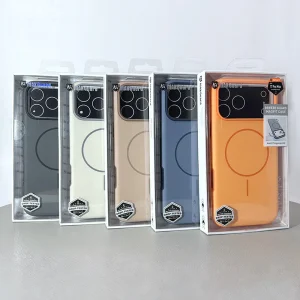
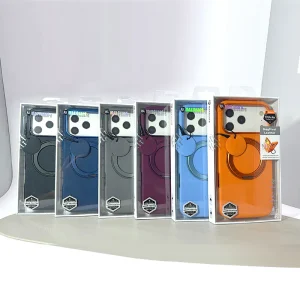
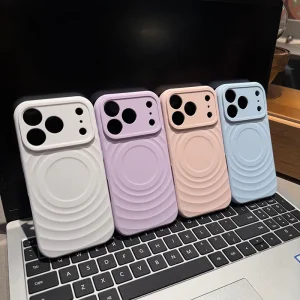
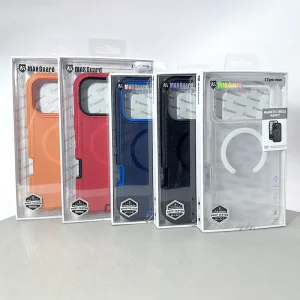
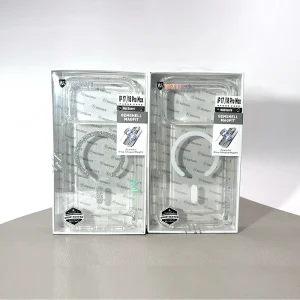
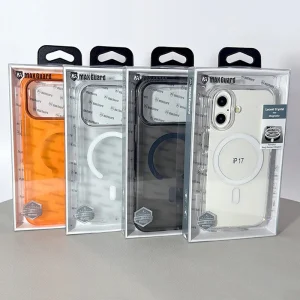
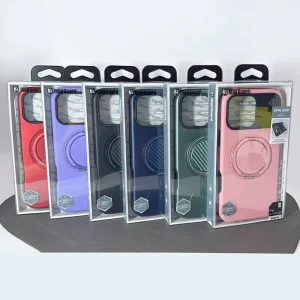

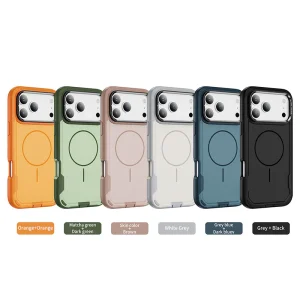
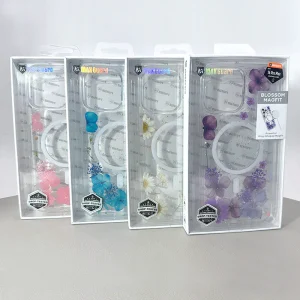

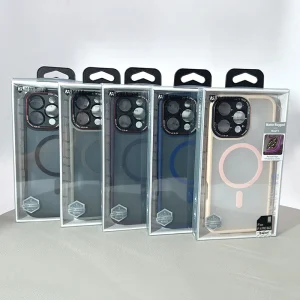


Find the popular accessories category in Skyline Mobile’s business-focused catalogue. It groups related items so buyers can compare the products that are currently listed. As you compare options, use each product listing to confirm device compatibility, item specifications, pack details and current ordering requirements. Product availability and features may differ across listings.
Frequently asked questions
What can I find in the popular accessories category?
The category groups products associated with popular accessories. Review the current listings for specific items and their specifications.
How can I check whether an accessory is suitable?
Use the product listing to verify device compatibility, connection or fitting requirements and any stated limitations before placing an order.
What should wholesale customers confirm before ordering?
Check the current product listing, applicable account or pricing terms, pack details and availability; contact the supplier if important information is missing.
What should wholesale buyers check when comparing Best Sale stock for resale?
Consider the customer questions most likely to arise at the point of sale and match those questions to verifiable product details. Compare supplied quantities, model variants, colour or finish choices, packaging, and whether any accessories are included. Also check current availability and the ordering conditions that apply to your account. Do not infer performance, approvals or warranties from the brand or category title. Use the exact product record for those facts.
How can businesses reduce mismatched orders in the Best Sale range?
Confirm the customer's intended device or use before choosing a stock-keeping unit. Compare the product code, relevant measurements and the compatibility information published for that specific item. Keep similar-looking variants clearly separated in internal inventory and on shelf labels. Where a phone, tablet or connector has several generations, record the full model name rather than a shortened family label. Check purchase terms before ordering and follow the supplier's stated process when a description needs clarification.
What makes a useful Best Sale category page for trade customers?
A useful category page should explain what buyers are browsing, how this range differs from nearby categories and which product details determine suitability. It should give buyers a straightforward way to narrow down devices or functions while leaving specifications, stock and prices to the individual listings. Relevant frequently asked questions can clarify common purchase decisions, but they should not repeat identical sales claims. The category description should stay consistent with products actually shown on the page.
Which practical checks matter before adding Best Sale items to an online store?
Check that every item has a clear product identity, a usable image, an accurate category assignment and the correct variation details. Describe only supported functionality, and distinguish items that appear similar but have different fit or electrical requirements. Where the supplied details do not establish a feature, leave that claim out until it is confirmed. This is especially important when shoppers cannot handle the product before checkout and must make decisions using the online listing.
How can buyers compare products in the Best Sale charging range?
Compare the exact charging function, port arrangement, stated power ratings and supported standards in each listing. A compatible connector does not automatically establish the power output or charging speed that a customer will receive. The charger, cable and receiving device can all affect the result. Check supplied accessories, input requirements and any published safety information. Explain practical differences using confirmed specifications rather than the category name or promotional wording.