
Wholesale Maxguard Cable
Showing 1–20 of 48 results
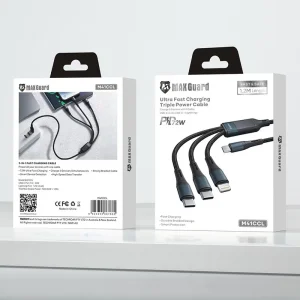
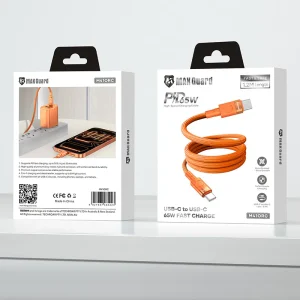
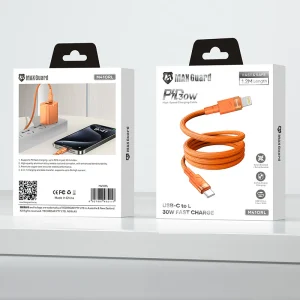


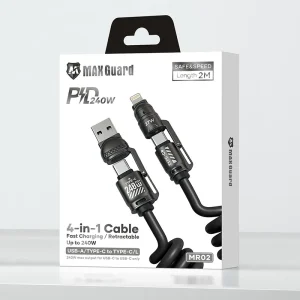
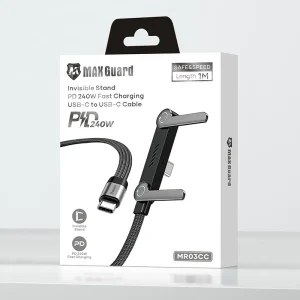
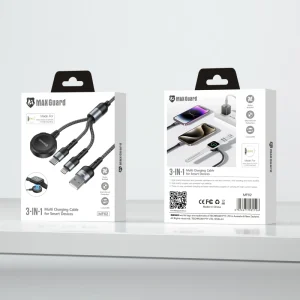


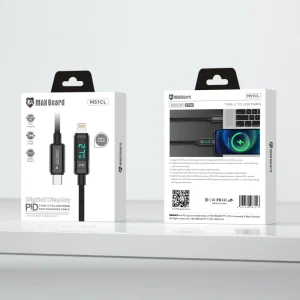
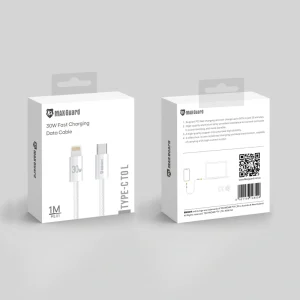
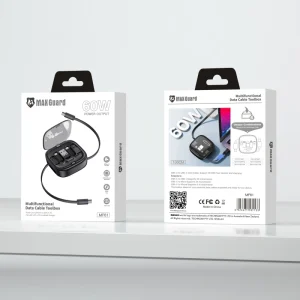
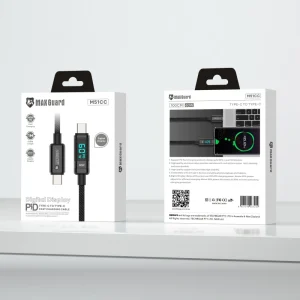
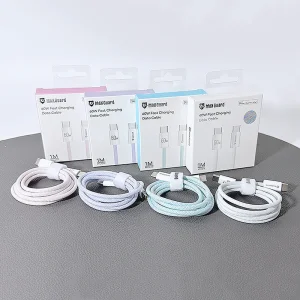

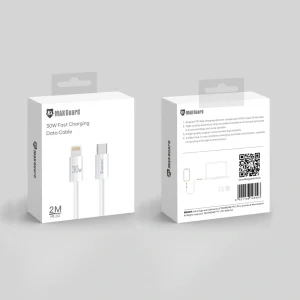
Browse Maxguard Cable through Skyline Mobile’s wholesale accessories catalogue. This category is intended to help trade buyers find and compare cable listings without searching unrelated products. When choosing cables, check connector ends, cable length, stated data or charging capabilities and device compatibility. The exact specification is product-dependent; use each listing for the details rather than assuming that all cables have the same functions.
Frequently asked questions
What products belong in the Maxguard Cable category?
This category groups Maxguard Cable. Individual product listings contain the relevant cable types and specifications.
Do all charging cables support the same charging speed?
No. Supported charging and data functions can vary by cable and connected device. Check the individual specification before ordering.
How can retailers choose appropriate cables?
Check connectors, length, device fit and stated performance, then confirm pack quantities and current wholesale ordering details.
How should a retailer explain the differences between products listed under Maxguard Cable?
Explain the differences that a customer can verify from the individual product specifications, not features assumed from a broad collection name. Useful comparisons may include the intended device, connection or fitting method, material, finish, dimensions, included components and supported functions. Present trade-offs clearly: an item designed for one use may not suit another, even when the products look similar in photographs. Keep the description aligned with the current product listing and packaging.
What information helps customers choose the correct option from Maxguard Cable?
A useful product description begins with the exact type of item and what it is designed to work with. Follow with any fit or connection restrictions, the functions that are actually specified, and visible choices such as size, colour or finish. Include clear photos of the relevant ports, cut-outs or attachment points when available. Tell customers which details they must check on their own device before purchase. This reduces reliance on vague wording such as universal or compatible with everything.
How can shops keep their Maxguard Cable listings accurate over time?
Review the relevant products whenever models, product codes or packaging change. Retain the original supplier identifier and record which device variants or use cases were confirmed for each item. Remove obsolete compatibility claims rather than copying them forward from older stock. If a product is discontinued or unavailable, update its listing and any related collection navigation. A short, precise description supported by current product information is more useful to buyers than a long list of unverified device names.
What should wholesale buyers check when comparing Maxguard Cable stock for resale?
Consider the customer questions most likely to arise at the point of sale and match those questions to verifiable product details. Compare supplied quantities, model variants, colour or finish choices, packaging, and whether any accessories are included. Also check current availability and the ordering conditions that apply to your account. Do not infer performance, approvals or warranties from the brand or category title. Use the exact product record for those facts.
How can businesses reduce mismatched orders in the Maxguard Cable range?
Confirm the customer's intended device or use before choosing a stock-keeping unit. Compare the product code, relevant measurements and the compatibility information published for that specific item. Keep similar-looking variants clearly separated in internal inventory and on shelf labels. Where a phone, tablet or connector has several generations, record the full model name rather than a shortened family label. Check purchase terms before ordering and follow the supplier's stated process when a description needs clarification.